

If you’re like me, then you don’t pay attention when you install a lot of software. Often times I just click Next > Next > Finish without reading the screens.
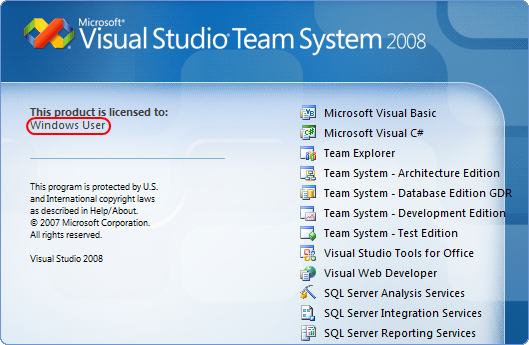
For example, I guess I wasn’t paying attention to who the registered user was when I installed Visual Studio 2008 or Windows for that matter, because the splash screen shows this:
Yes, it’s a registry setting and you can find/set it here:
HKEY_LOCAL_MACHINESOFTWAREMicrosoftWindows NTCurrentVersionRegisteredOwner
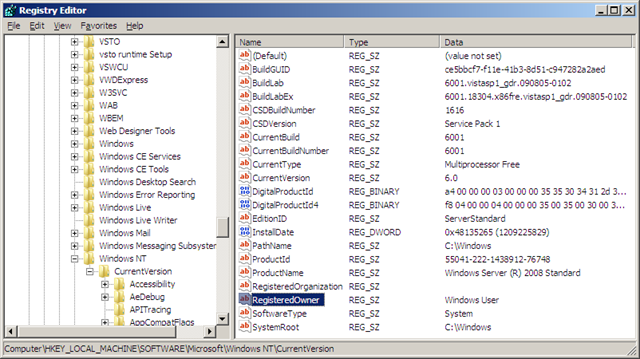
Unfortunately, changing it didn’t do anything, until I learned the trick from John Robbins (Wintellect):
After you change HKEY_LOCAL_MACHINESOFTWAREMicrosoftWindows NTCurrentVersionRegisteredOwner, restart Windows and then run "DEVENV /setup" from an elevated PowerShell window. That will update the splash screen registry key.